Top Apps Top Developers Pricing Blog Niche Finder Growing Apps
Clone Phone - OnePlus app

Clone Phone - OnePlus app

🤖 Android

by OnePlus Ltd.

Migrate your data to OnePlus phones conveniently and safely with the Clone Phone

Tools
3.6 (146.2K ratings)
Free

Est. Downloads

10.0M

Est. Revenue

N/A

Last Updated

Nov 11, 2025

Version

14.7.28

About Clone Phone - OnePlus app

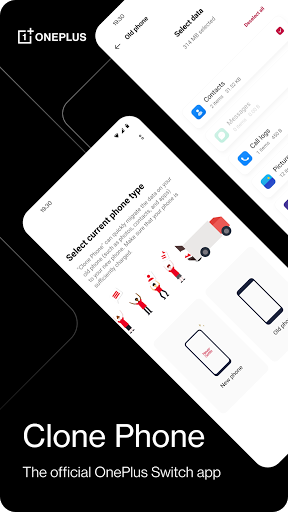
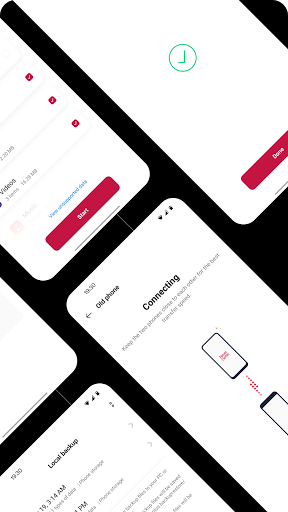
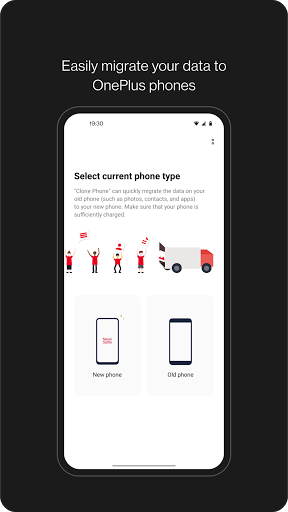
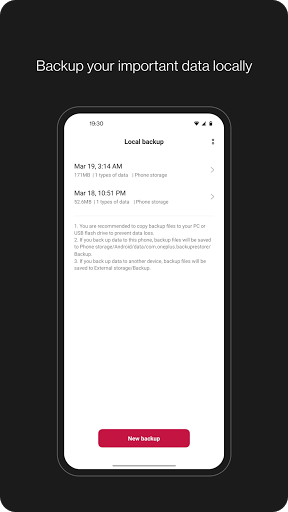
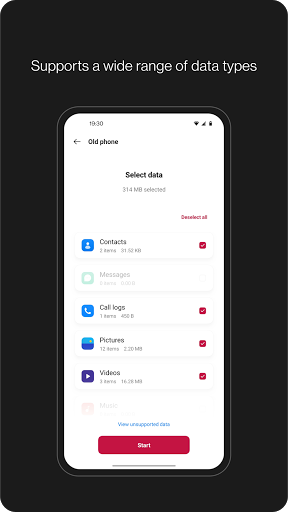
OnePlus Switch is now called Clone Phone. With this app, you can quickly transfer your contacts, messages, photos, and other data from your previous phone to other OnePlus phones.<br><br>â—† Data migration<br>With Clone Phone, you can easily migrate your data from Android devices to OnePlus phones without a network connection.<br>(Transfers from iOS devices may require a data connection.)<br>What you can migrate: contacts, SMS, call history, calendar, photos, videos, audio, apps (including the data of certain apps).<br><br>â—† Data backup<br>The data backup function can backup your data safely for restoring when required.<br>What you can backup: contacts, SMS, call history, notes, desktop layouts, apps (excluding data).<br><br>Note:<br>1. Supported data may vary on different systems and Android versions. Please check if the data is still functional after a transfer or a backup restore.<br>2. If the app crashes, gets stuck, fails to open, or encounters any other issues, please give us feedback or a bug report on the OnePlus Community forums.<br>3. If Clone Phone notifies you of insufficient storage space, you can try migrating data in batches or clear up storage space on the device.

Screenshots

Screenshot
Screenshot
Screenshot
Screenshot
Screenshot
Screenshot

Scroll to see more screenshots

Performance Trends

Collecting performance data...

Recent Reviews

Collecting reviews...

SDK Intelligence

Analyzing SDK usage...

App Details

Size
N/A
Requires
6.0
Content Rating
Everyone
Release Date
Dec 30, 2017

Version History

v14.7.28 Latest

Nov 11, 2025

1. OnePlus Switch is now called Clone Phone with improved performance and functionality. Please ensure both new and old devices have Clone Phone installed and updated to the latest version.<br>2. Optimize issues with device connection.<br>3. General bug fixes and improvements.<br><br>Note:<br>1. If you cannot find [Backup and Restore] from the [More] button on Clone Phone’s homepage, please try this [Settings] &gt; [Additional settings] &gt; [Back up and reset] &gt; [Back up &amp; restore] &gt; [Local backup].

Want More Insights?

Get full access to downloads, revenue, keywords, and competitor data.

Start Free Trial

No credit card required