
Est. Downloads
50.0K
Est. Revenue
N/A
Last Updated
N/A
Version
N/A
About Screen recording
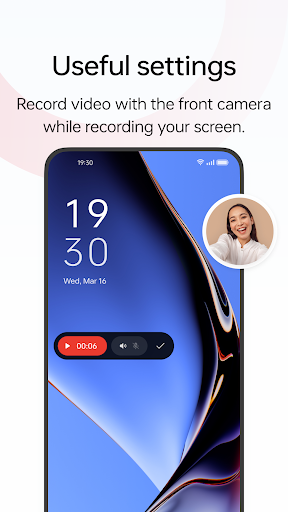
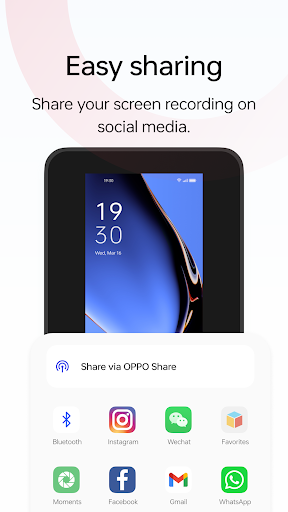
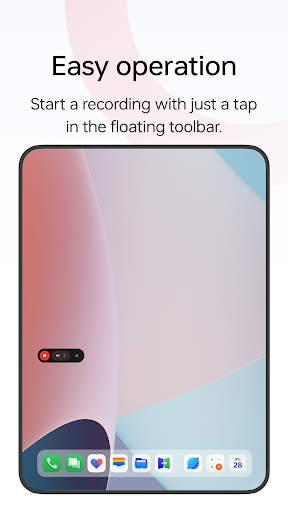
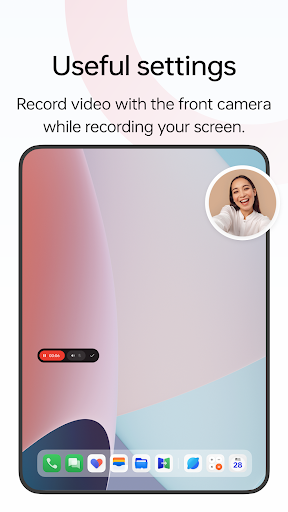
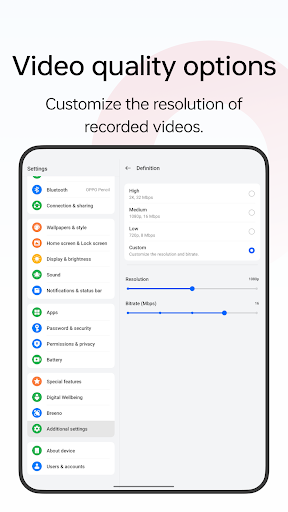
Screen recording is a tool provided by OPPO that lets you conveniently record your screen. <br><br>Multiple ways to open this tool<br>- Bring up the Smart Sidebar from the screen edge and tap "Screen recording".<br>- Swipe down from the top of the screen to bring up Quick Settings and tap "Screen recording".<br>- Swipe down in an empty area on the Home screen, search for "Screen recording" and tap the icon of this tool.<br>- Open a game in Game Space, swipe from the upper-left corner of the screen to the lower-right corner, and choose "Screen recording" from the menu. <br><br>Various video quality options<br>- Choose the definition, frame rate, and coding format you want to record with. <br><br>Useful settings<br>- You can record the system sound, external sound through the microphone, or both at once.<br>- You can record video with the front camera while simultaneously recording your screen.<br>- Screen touches can also be recorded.<br>- You can pause or resume a recording by tapping the button on the recorder toolbar. <br><br>Share your recordings<br>- When a recording is complete, a floating window will appear. You can tap "Share" under the window to share it or tap the window itself to edit the video before sharing.
Screenshots



Scroll to see more screenshots
Ranking History
Performance Trends
Collecting performance data...
Recent Reviews
Collecting reviews...
SDK Intelligence
Analyzing SDK usage...
Top Competitors





App Details
- Size
- N/A
- Requires
- N/A
- Content Rating
- Everyone
- Release Date
- Mar 14, 2023
Version History
Collecting version history...
Want More Insights?
Get full access to downloads, revenue, keywords, and competitor data.
Start Free TrialNo credit card required