
Hola-Private&Fast web Browser
🤖 AndroidHola Browser meets video downloader,safe web browser and adblock features.
Communication
4.4 (225.0K ratings)
$0.00 Est. Downloads
500.0M
Est. Revenue
N/A
Last Updated
Mar 16, 2026
Version
v2.25.11.1
About Hola-Private&Fast web Browser
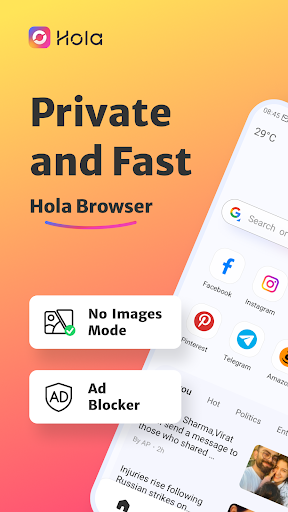
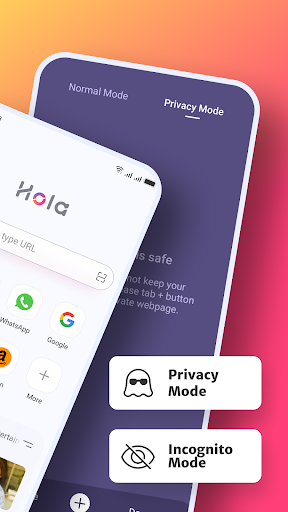
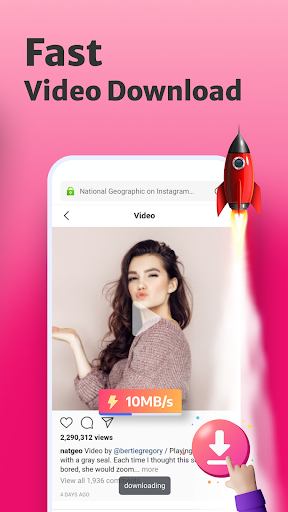
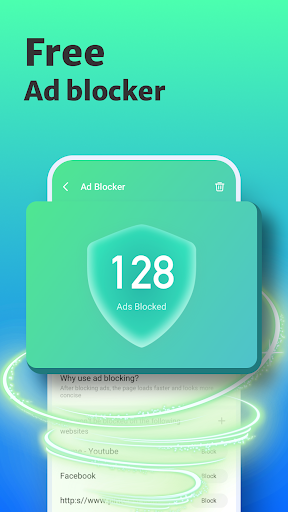
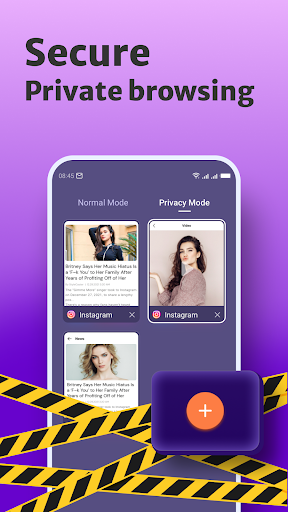
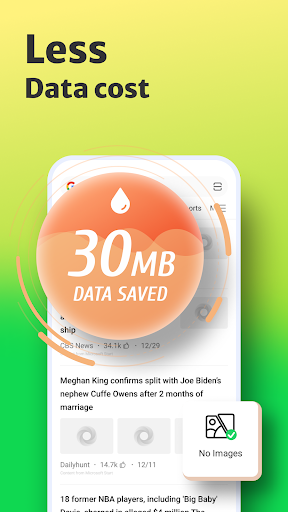
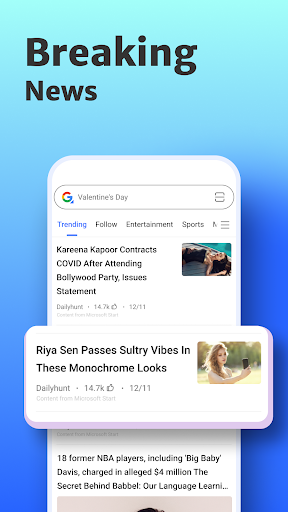
<b>Hola Browser is your private browser and mobile desktop browser with custom news recommendation, free video downloader, ad blocker, and quick scan web pages that help you save mobile data, also protect your private information.</b> <br><br><b>😀Why choose Hola Browser?<br> √The free ad blocker can block annoying ads when you search in Hola browser and help you implement safe and free Adblock. <br>√Incognito browsing mode that you can conduct the private search as a private browser and keep your privacy protected all the time. <br>√Dark web mode gives you a better experience in a low-light environment. √Video downloader to play and download wonderful and favorite videos with AdBlock as you like. <br>√Private incognito browser mode to freely browse and search for information. <br>√Breaking news recommendations keep you up to date on local news.</b> <br><br><font color="red"><b>-------All Functions-------</b></font> <br><b>⭐Smart Video Downloader <br>Fast and Easy</b> <br>With Hola browser which is a multifunction private browser that has fast and free video sniffer, you can download easily and quickly all videos and movies from mainstream websites and any social media application, like<br>Instagram, WhatsApp, Telegram, Snapchat, and Facebook to your devices. <br><br><b>⭐AD Blocker <br>Safe and Private</b> <br>A plug-ins-free adblocker blocks ads that prevent your privacy from being invaded and Adblock stop ads impact your user experience on hola browser, also incognito keeps you from being tracked on the web browser. <br><br><b>⭐Fast web page search <br>Convenient and Quick</b> <br>By enabling quick web search for notification panel in settings, you can incognito and private search directly and safely in the notification panel. <br><br><b>⭐No Images mode <br>Fast and Economical</b> <br>Web browser with No Images mode will help you save your mobile data and money in the hola browser, also implement the private browser experience. <br><br><b>⭐Incognito Mode <br>Safe and Privacy</b> <br>The private hola browser has Incognito mode that allows you to browse and search the web pages privacy and incognito without leaving any search or browsing history. <br><br><b>⭐Bookmark management <br>Customized and Fast</b> <br>Bookmark web pages at any time and visit your favorite web with one tap. <br><br><b>⭐Night mode <br>Protect your eyes</b> <br>Turn on the Night mode for a great visual search experience when you browse web pages in low-light environments. <br><br><font color="red"><b>-------Q&A-------</b></font> <br><b>1.How to turn on incognito mode on hola browser?</b> <br>Open the Me tab in hola browser, “Incognito” will appear on the screen page, click the button on the right to open incognito mode. Incognito mode can protect your privacy. <br><br><b>2.How to use the video downloader?</b> <br>Search the video or movie you want to download, there will be a download button below the video, click the download button to launch the video downloader then you can watch it in the hola browser. <br><br><b>3.Why use adblocker?</b> <br>Hola browser is a safe and private browser with a free ad blocker, search with adblocker allows the web pages to load faster and reduce annoying ads on the web, also can save your data and money. <br><br><b>4.What kind of video can be downloaded in hola browser?</b> <br>Hola Browser’s video sniffer can automatically identify the media resources in the URL. You can download videos on social media channels like Instagram, Facebook, WhatsApp, and so on, also use video downloader to download the favorite movies and interesting videos you searched on the web.
Screenshots
Scroll to see more screenshots
Ranking History
Performance Trends
Collecting performance data...
Recent Reviews
Collecting reviews...
SDK Intelligence
Analyzing SDK usage...
Top Competitors





App Details
- Size
- N/A
- Requires
- 7.0
- Content Rating
- Everyone
- Release Date
- Apr 6, 2021
Version History
vv2.25.11.1 Latest
Mar 16, 2026
Want More Insights?
Get full access to downloads, revenue, keywords, and competitor data.
Start Free TrialNo credit card required