QR Scanner & Barcode Scanner
🤖 Androidby Mobile_V5
Barcode Scanner can easy Scan and Create Barcode and QR Code.
Tools
4.5 (147.7K ratings)
Free Est. Downloads
10.0M
Est. Revenue
N/A
Last Updated
Feb 28, 2025
Version
3.2.3
About QR Scanner & Barcode Scanner
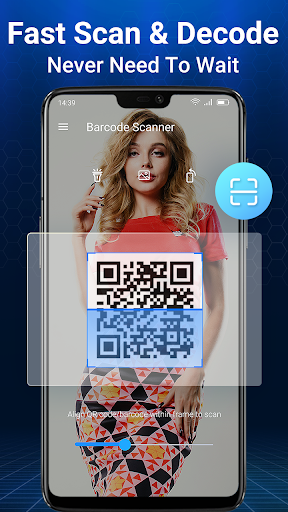
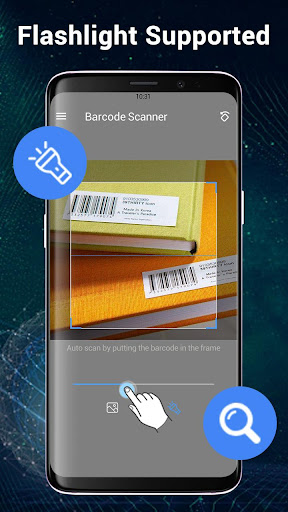
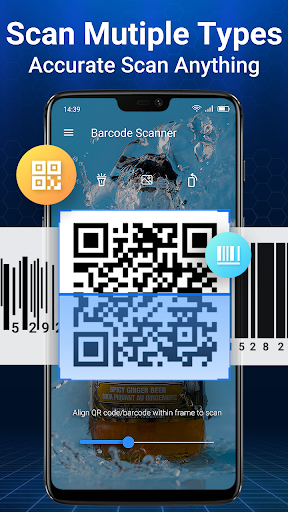
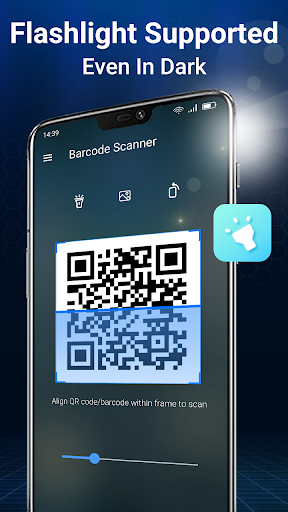
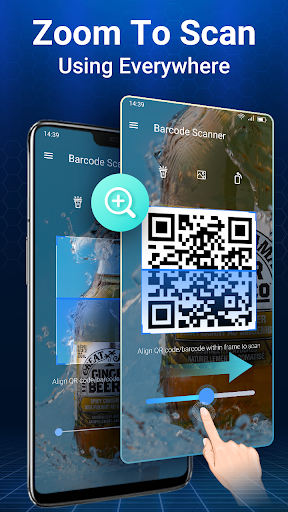
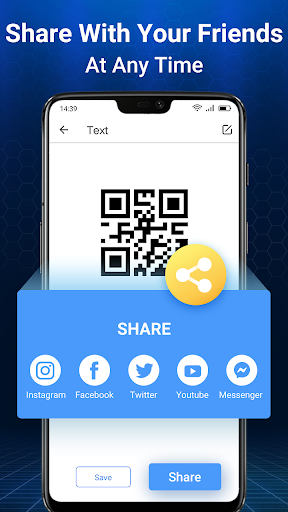
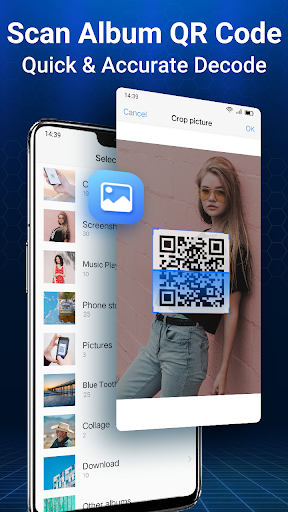
Barcode Scanner & QR Scanner is completely free. Change your smartphone into a powerful QR Code, Barcode, and Data Matrix scanning utility. Open the app, point the camera at the code and you’re done!<br><br>By using the phone's camera, Barcode Scanner will quickly scan and recognize the information of barcode.<br><br>When scanning a QR Code, if the code contains a website URL, you'll automatically be taken to the site. If the code just contains text, you'll immediately see it. For other formats such as phone numbers, email addresses, or contact info, you will be prompted to take the appropriate action.<br><br>Barcode Scanner & QR Scanner now reads regular barcodes—UPC, EAN, and ISBN—and gathers information about the products you scan, allowing you to research and find places to purchase the products you love.<br><br>You can DECODE text, urls, ISBN, email, contacts information, calendar events and much more with a single click using your smartphone camera, image files, online codes.<br>After decoding you will be redirected to webpage links, books review, multimedia and calendar online informations.<br><br>You can CREATE YOUR OWN QR Codes and Barcodes very fast! <br>SHARE them with your friends through apps, social networks, email, text messages, save them for later use or print.<br><br>Key Features:<br>- Fast and easy SCAN QR CODES AND BARCODES from CAMERA<br>- CREATE your own QR CODES encoding:Applications, Email Addresses, Phone Numbers, Contacts Informations, Bookmark, Clipboard <br>- SHARE your QR CODES through: Email, SOCIAL NETWORKS , TEXT MESSAGES<br>- Jump directly to WEB ADDRESSES decoded<br>- History logs and displays of all of your past scans in a list<br>- Touch-focus camera (requires autofocus)<br>- Customize how Scan works in Settings<br><br><br>All the features you would expect to have, and more, are right here!<br>QR Droid is true to its roots: a first class scanner. <br><br>Notes:<br>In order to use Scan, your device must have a built-in camera. When scanning codes that redirect to online content (such as websites), you will need Internet connectivity. To scan product barcodes, your device must have autofocus.<br><br>DISCLAIMERS:<br>- Barcode & QR Scanner base on the open source ZXing Barcode Library. Apache License 2.0.<br>ZXing Barcode Library: http://code.google.com/p/zxing/<br>Apache License, Version 2.0: http://www.apache.org/licenses/LICENSE-2.0.html
Screenshots

Scroll to see more screenshots
Ranking History
Performance Trends
Collecting performance data...
Recent Reviews
Collecting reviews...
SDK Intelligence
Analyzing SDK usage...
Top Competitors




App Details
- Size
- N/A
- Requires
- 5.0
- Content Rating
- Everyone
- Release Date
- Aug 2, 2013
Version History
v3.2.3 Latest
Feb 28, 2025
V3.2.3<br>🌟Optimized performance, faster scanning<br>💯Optimized operation layout, easier to use<br><br>V3.2.2<br>🔥Optimized batch scanning function, easier to use<br>💖After scanning the product, go to Amazon to search<br>✨Fix users feedback bugs<br><br>V3.2.1<br>🌸Modify performance, more efficient
Want More Insights?
Get full access to downloads, revenue, keywords, and competitor data.
Start Free TrialNo credit card required