Top Apps Top Developers Pricing Blog Niche Finder Growing Apps
Procreate Dreams

Procreate Dreams

iOS

by Savage Interactive Pty Ltd

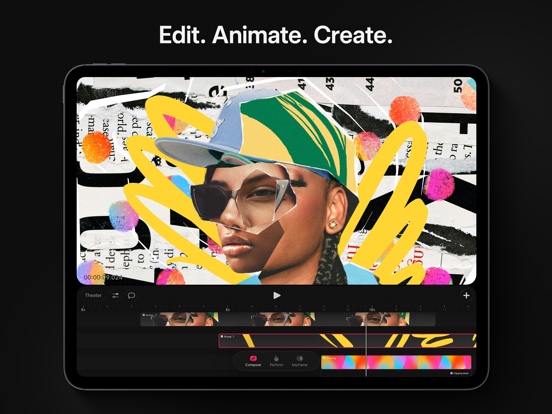
Edit. Animate. Create.

Photo & Video
4.2 (284 ratings)
$12.99

Est. Downloads

N/A

Est. Revenue

N/A

Last Updated

Mar 17, 2026

Version

2.0.2

About Procreate Dreams

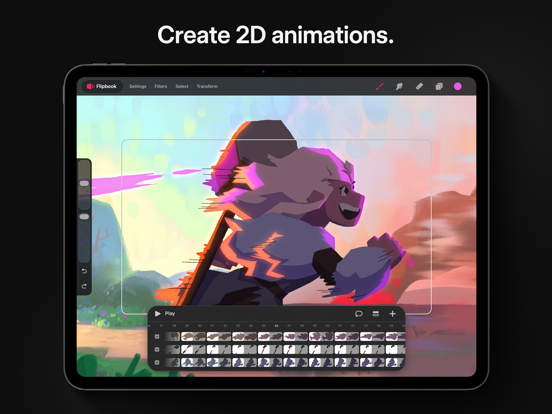
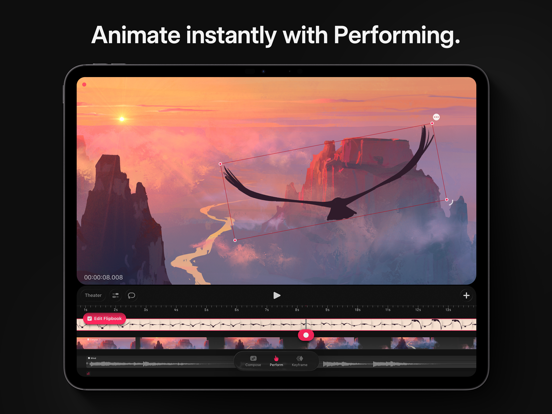
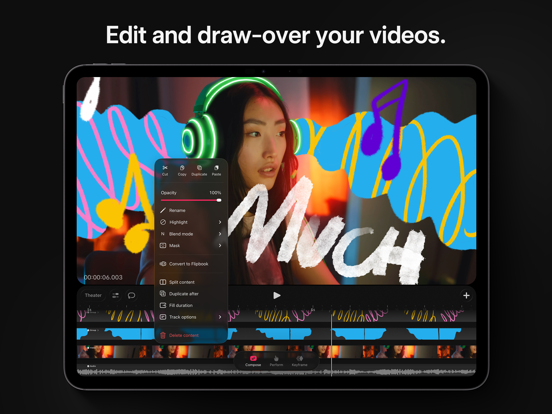
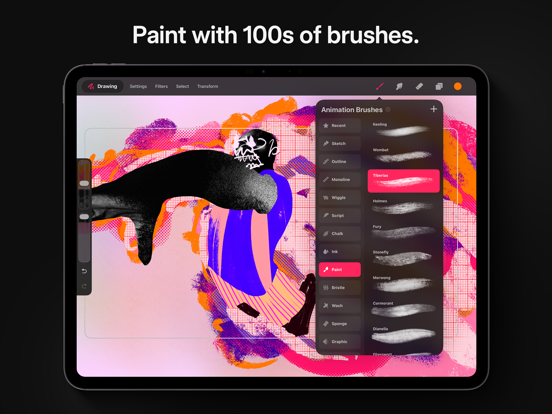
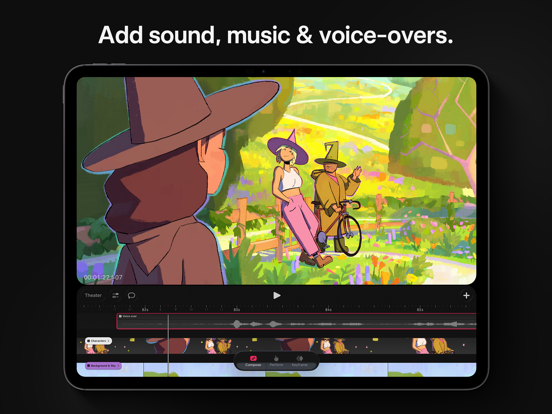
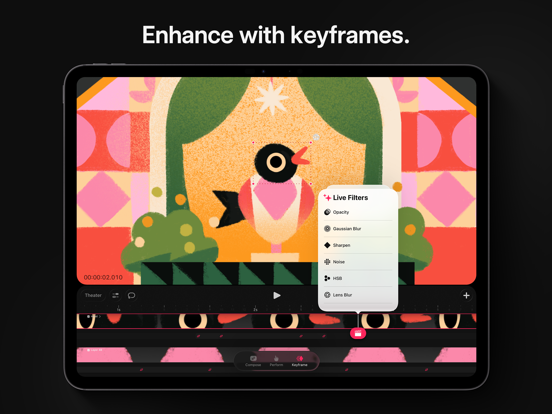
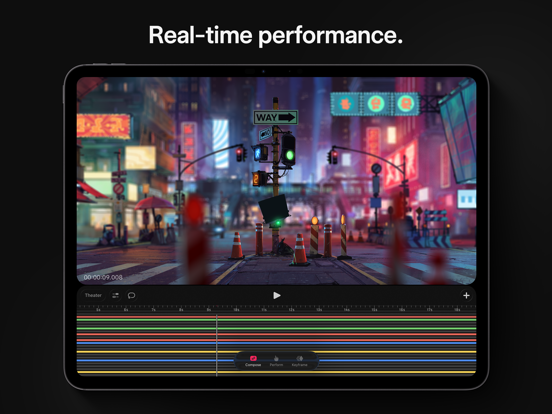
Procreate Dreams is an award-winning animation app, packed with powerful tools that anyone can use. Create rich 2D animations, expressive videos, and breathtaking stories on iPad. With over 300 beautifully textured Procreate brushes, Procreate Dreams is perfect for creating gorgeous hand drawn, frame-by-frame animations. Highlights: - Powerful frame-by-frame animation tools. - Responsive Multi-track timeline. - Keyframes for motion and cinematic animations. - Record motion or effects effortlessly through touch. - Handcrafted animation brush library. - Next generation, realtime rendering engine. Create frame-by-frame animations: - Explore over 300 beautifully textured brushes to bring artistic soul to your work. - Compatible with all Procreate brushes - Up to 16K resolution for drawings. - Paint outside your stage. - Customizable onion skins. - Automatic, freehand/lasso, and shape selections. - Permanently transform, warp and distort your drawings. - Blend modes and clipping, luminance, and layer masking - Apply permanent filters & adjustments. Compose video, photos, audio, and type: - Import, edit and trim video. - Draw-over your content. - Add voice-overs and music. - Craft titles, type and credits with typography styling, and design attributes. Add animated motion and effects: - Add keyframes to your content for precise transitions of motion and effects. - Modify easing to refine your timing. - Move, scale, rotate, warp & distort animations. - HSB, opacity, gaussian blur, lens blur, noise, and sharpen effects. - Group content to unlock the power of layered animations. Import existing assets and content: - Import video & photos in JPG, PNG, TGA, Procreate, MP4, GIF, and ProRes format. - Import audio in MP3, AIFF, WAV, FLAC, AAC, CAFF, M4A, AC3, and MP2 format. - Import custom and purchased Procreate brushes. - Import layered Procreate files. - Import Procreate Animation Assist as a Flipbook. Share your work with the world: - Export MP4s and MOVs in H264, HEVC, and ProRes codecs. - Export transparent video. - Export PNG sequences with transparency for professional pipelines. - Export your current frame as a transparent image. - Share your .drm files with your audio and video included. Next generation technology - Seamlessly mix drawing, frame-by-frame animation, keyframing, video editing, and compositing. - Real-time rendering makes waiting a thing of the past. - Never lose artwork again with continuous auto-save and undo history.

Screenshots

Screenshot
Screenshot
Screenshot
Screenshot
Screenshot
Screenshot
Screenshot
Screenshot

Scroll to see more screenshots

Performance Trends

Collecting performance data...

Recent Reviews

Collecting reviews...

SDK Intelligence

Analyzing SDK usage...

App Details

Size
1.6 GB
Requires
16.3
Content Rating
4+
Release Date
Nov 22, 2023

Version History

v2.0.2 Latest

Mar 17, 2026

Polish your major update with new features, important fixes, and quality of life and performance improvements. Automatic Selection Select areas of similar color by tapping and adjusting the threshold by panning the screen. Reverse Keyframes Create ping pong and other timing effects by flipping the position of your keyframes. Flipbook track names and highlights Hold the track title to customize your track with a new name or a pretty color. Alpha Lock Tap on your active drawing layer and turn on Alpha Lock to affect only the pixels you have already painted on. Great for adding shading and highlights. Separate Audio and Video Import a video with audio and edit them as different tracks. Transform Nudge Move your content in small steps by tapping outside the bounding box in the direction you'd like to shift it. Compose Snapping When modifying the position, orientation, and scale of an object independent of keyframes, you can now snap to the edges and center of the stage, or rotate in 15º increments. Advanced Warp Mesh When drawing, add a node on every intersection of the warp mesh for more precise control. Additive and Multi-channel Noise In Drawing Filters create noise with color and across the entire paintable area. Fixes for these issues: - Transforming hidden frames in Flipbook losing content - Crashing while scrubbing - Crashing while performing actions outside the device's capabilities Hope you're making something wonderful in Procreate Dreams 2. Find out what's new procre.at/whatsnew-pd2 and get help at help.procreate.com/dreams

Want More Insights?

Get full access to downloads, revenue, keywords, and competitor data.

Start Free Trial

No credit card required