
Est. Downloads
N/A
Est. Revenue
N/A
Last Updated
Nov 8, 2024
Version
1.3
About Sweet Hearts Love
Downloads Sweet Hearts Love for iMessage
How to Use and Install:
- Open iMessage from your iPhone.
- Click on the Appstore icon.
- Tap the four oval icon on the lower left corner to open the app drawer.
- From there, tap the plus icon labelled 'Store' to access the Messages App Store.
- Click on manage store.
- Select the your's Stickers app .
- Just with a single tap send stickers.
- Also simply long touch and peel off the stickers to add them with your texts!!
Screenshots


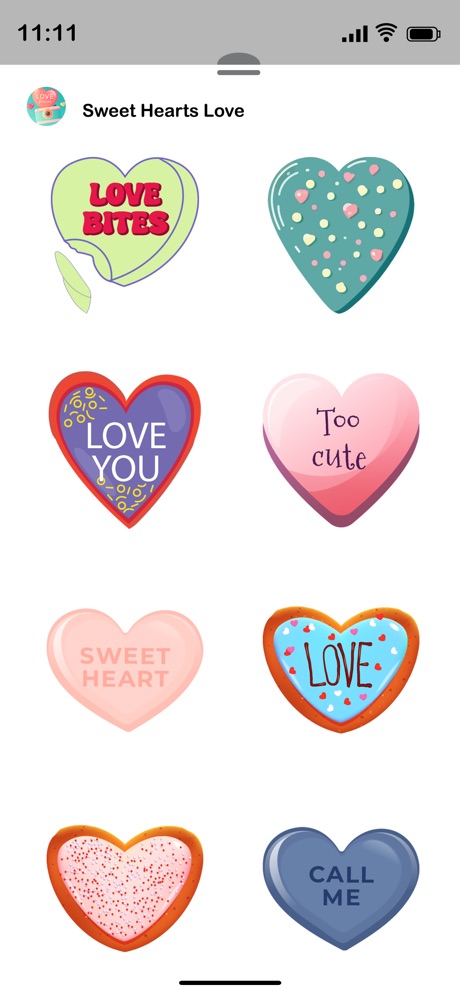


Scroll to see more screenshots
Ranking History
Performance Trends
Collecting performance data...
Recent Reviews
Collecting reviews...
SDK Intelligence
Analyzing SDK usage...
Top Competitors





App Details
- Size
- N/A
- Requires
- N/A
- Content Rating
- N/A
- Release Date
- Oct 12, 2017
Version History
v1.3 Latest
Nov 8, 2024
- Stability fixes and updates with new stickers
Want More Insights?
Get full access to downloads, revenue, keywords, and competitor data.
Start Free TrialNo credit card required