
Smart Printer App-Print & Scan
iOSby WindSnow Technology Co., Ltd.
Edit & Print Photos, PDF, Docs
Productivity
3.7 (50 ratings)
Free Category Rank
#82
-3Est. Downloads
N/A
Est. Revenue
N/A
Last Updated
Jan 21, 2026
Version
1.0.3
About Smart Printer App-Print & Scan
Smart Printer App: Print & Scan-The One App That Connects to All Your Printers.
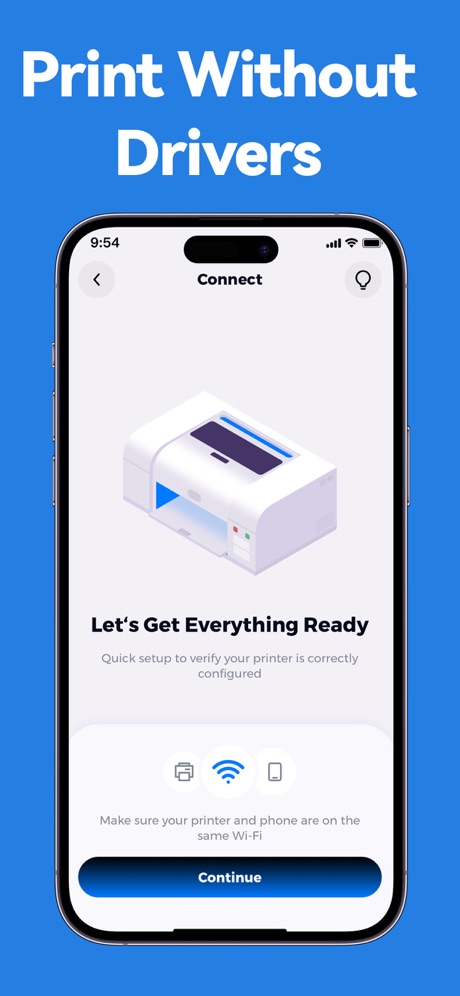
This is the all-in-one smart printer app that finally lets you print, scan, and manage documents wirelessly from your iPhone or iPad to any brand of printer nearby. Experience unified, hassle-free printing.
PRINT FROM ANYWHERE ON YOUR DEVICE
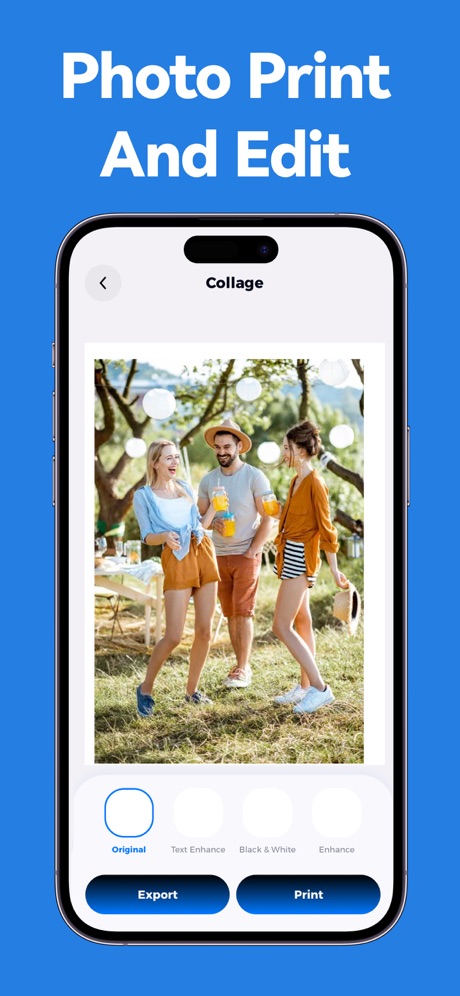
-Print photos, documents, and PDFs directly from your iPhone or iPad.
-Print emails, web pages, and articles in full size for offline reading.
-Create and print custom projects: photo calendars, labels, stickers, and coloring pages.
-Print from your photo library, device storage, cloud drives, or notes: capture ideas and print memos instantly by typing or pasting text.
-Full print control: set copies, choose color or black & white, and select paper sizes like A4, Letter, and Legal.
SCAN DOCUMENTS TO PDF
-Use your phone as a document scanner.
-Scan multi-page documents and save them as crisp, editable PDFs.
-Edit scans instantly: crop, rotate, apply filters, and adjust image quality.
-Share scanned documents seamlessly via email, messaging, or AirDrop.
ALL YOUR OFFICE TOOLS IN ONE PLACE
-Convert photos to PDF files with one tap.
-Manage PDFs: delete unwanted pages, and merge documents.
PERFECT FOR ANY SITUATION
Ideal for households with mixed printer brands, students printing assignments, professionals scanning contracts, and crafters creating custom labels and photo projects. Wherever you have a Wi-Fi or Bluetooth printer, this app turns your phone into a complete mobile print station.
Download Smart Printer App: Print & Scan - the unified solution for all your printing needs.
All referenced product and brand names are for identification purposes only and are property of their respective owners.
【Auto-Renewing Subscription】
- Subscription Period: 1 week (monthly subscription), 12 months (annual subscription), lifetime subscription
- Payment: Charges are applied to your iTunes account after purchase confirmation and payment.
- Canceling Renewal: To cancel auto-renewal, manually turn off the auto-renewal feature in iTunes/Apple ID settings at least 24 hours before the current subscription period ends.
- Renewal: Apple will charge your iTunes account within 24 hours prior to expiration. Upon successful payment, your subscription will automatically extend for another cycle.
- Privacy Policy: http://smartprinter.gzyinfengzx.com/#/privacy
- User Agreement: http://smartprinter.gzyinfengzx.com/#/agreement
Screenshots


Scroll to see more screenshots
Ranking History
Performance Trends
Collecting performance data...
Recent Reviews
Collecting reviews...
SDK Intelligence
Analyzing SDK usage...
Top Competitors


App Details
- Size
- 16.5 MB
- Requires
- 15.6
- Content Rating
- 4+
- Release Date
- Jan 20, 2026
Version History
v1.0.3 Latest
Jan 21, 2026
◆ Bug fixes, addressing known issues Try it now!
Want More Insights?
Get full access to downloads, revenue, keywords, and competitor data.
Start Free TrialNo credit card required