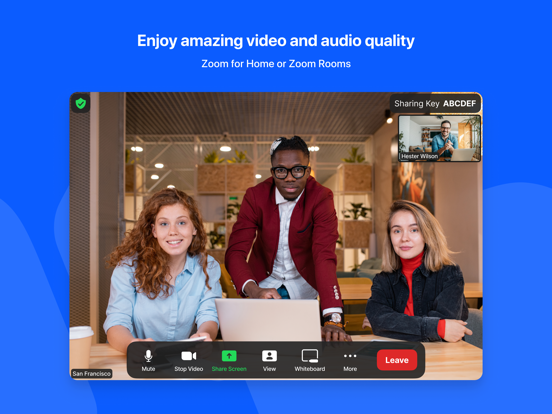
Zoom Rooms video conferencing systems use appliance or custom hardware deployments to bring high-quality video, audio, and sharing to any type of workspace, making it extremely flexible. Easily connect to participants on mobile devices, desktops, and in other rooms across a variety of locations.
The Zoom Rooms app on iPad has five modes to choose from: Zoom Rooms Controller, Zoom Rooms for Touch, scheduling display, workspace desk, and reservation only room.
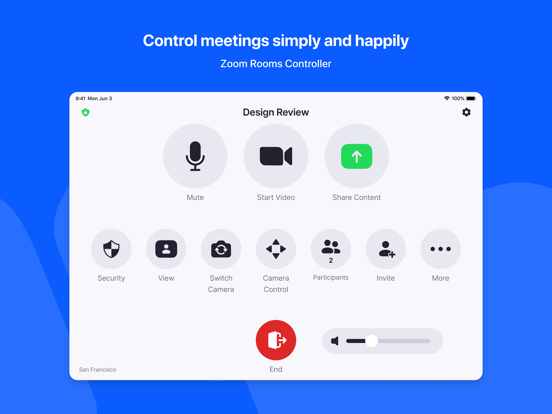
Zoom Rooms Controller
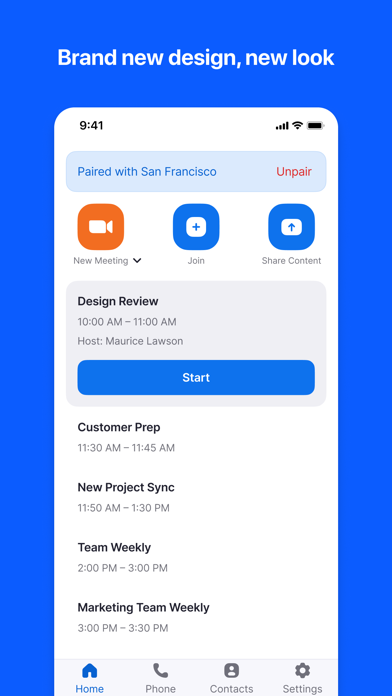
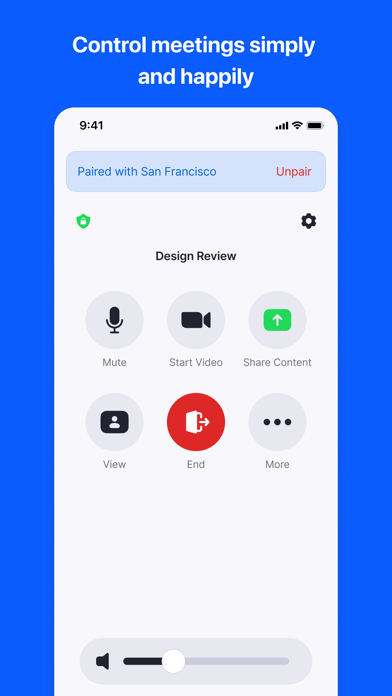
Connect your iPad to a Mac, PC, or Zoom Rooms Appliance as the dedicated Zoom Rooms Controller for that room. The iPhone app allows you to pair with a Zoom Room, giving you similar control functionality from your personal mobile device.
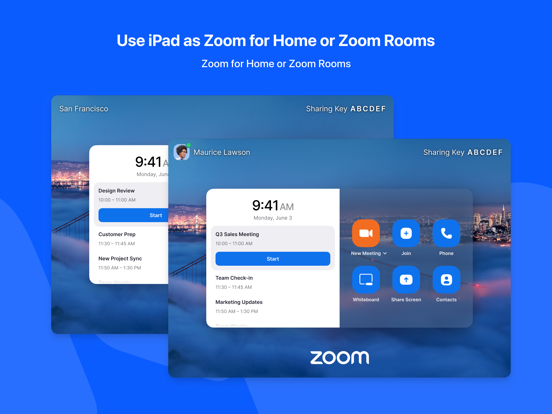
Zoom Rooms for Touch
Use the iPad as a Zoom Rooms (for shared spaces), Zoom Rooms kiosk, personal Zoom Rooms or Zoom Rooms digital signage only device. Zoom Rooms (for shared spaces) and personal Zoom Rooms allow you to start or join Zoom meetings, start a Zoom Whiteboard session, and access other Zoom Rooms features. Zoom Rooms kiosk can be configured to provide virtual receptionist and Workspace Reservation functionality. Zoom Rooms digital signage only can be configured to show digital signage content. Consult Zoom support documentation for more details.
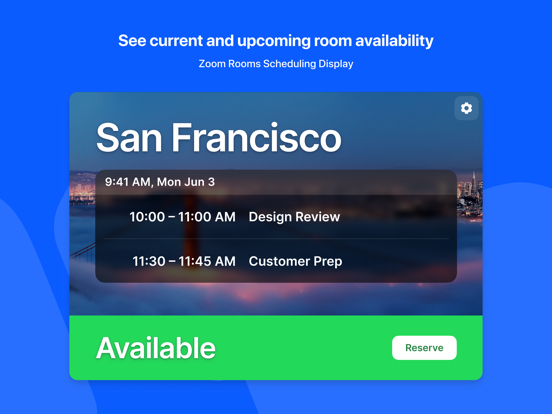
Zoom Rooms Scheduling Display
Connect your iPad to a Mac, PC, or Zoom Rooms Appliance as the dedicated scheduling display for that room. A scheduling display is usually placed outside the room to show current availability, display upcoming meetings, and allow users to reserve the room on an ad-hoc basis.
Workspace Desk
Use the iPad to display the status of a workspace desk and allow users to make ad-hoc reservations or check in for their existing scheduled reservation with a QR code.
Reservation Only Room
Use the iPad to display the status of a workspace reservation only room and allow users to make ad-hoc reservations or check in for their existing scheduled reservation with a QR code.
Simply install the Zoom Rooms app and follow the on-screen instructions to select a mode and activate.
KEY FEATURES:
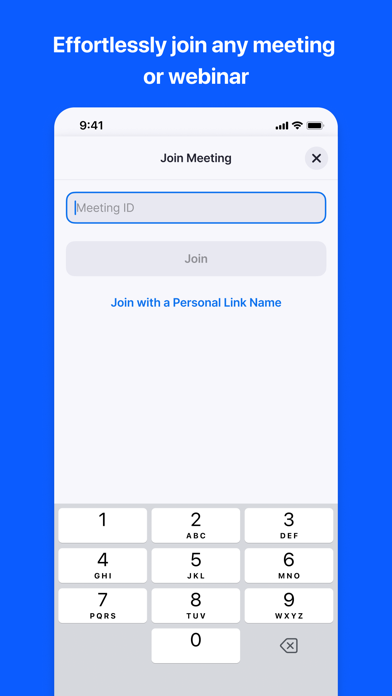
● One touch to join or start a meeting
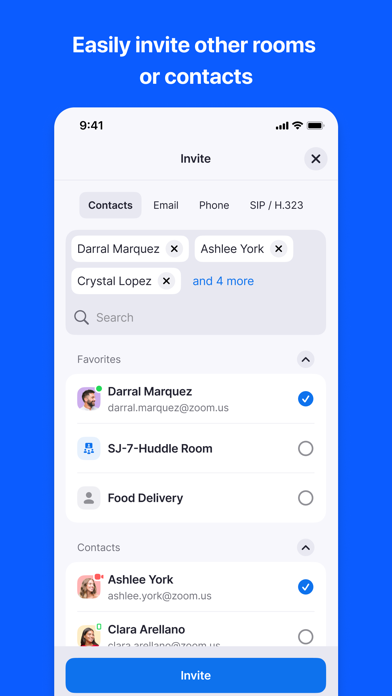
● Intuitive room controls to easily manage audio, video, participants, and more
● Supports native room control integration to control lighting, projectors, and more
Follow us on social @zoom!
Have a question? Contact us at http://support.zoom.us.